
November 26, 2026
Amsterdam, Netherlands
Unfold your map: Magic Earth now supports iPhone Duo
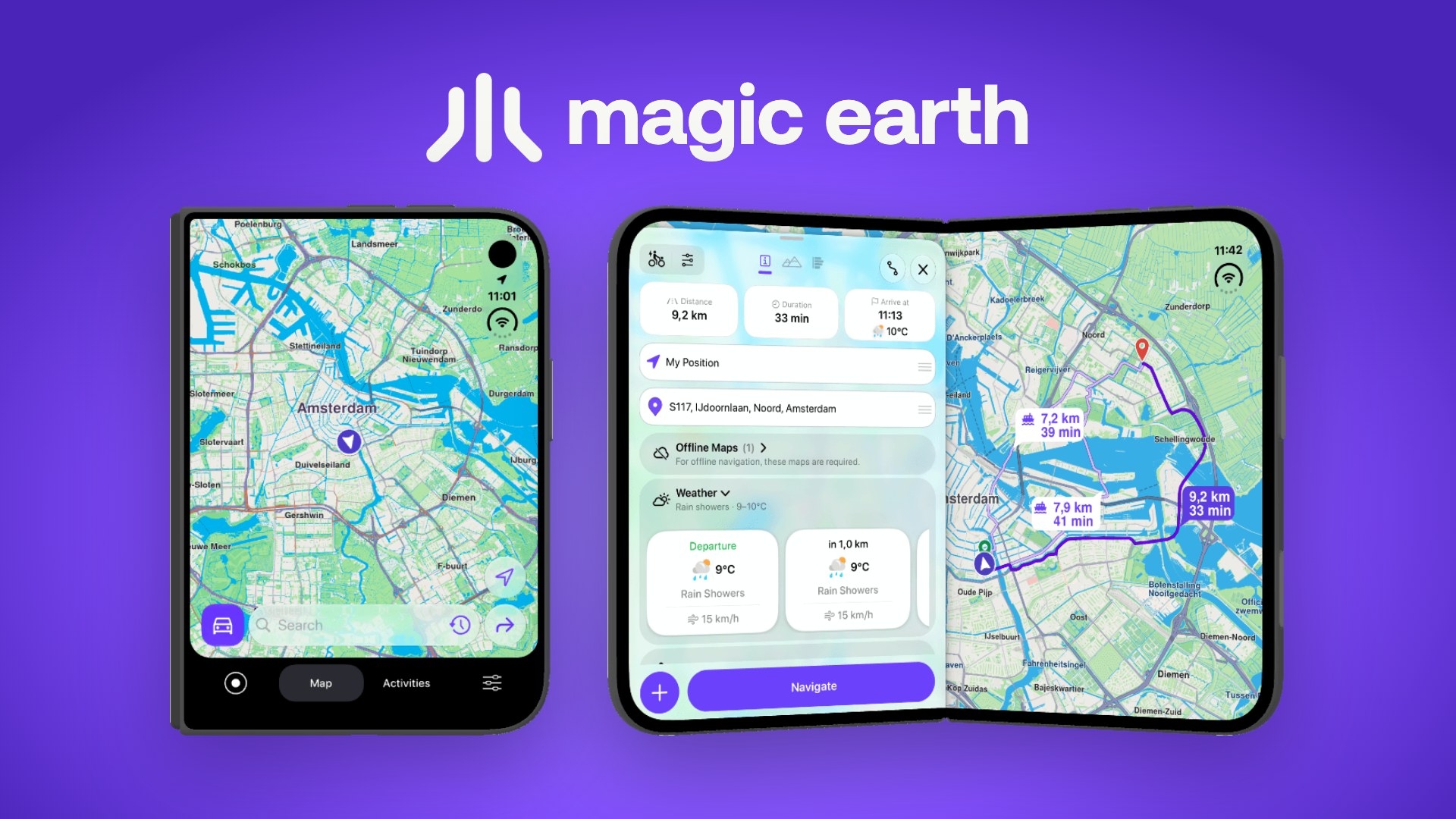
iPhone Duo gives you two screens: a compact one on the outside and a big 7.6-inch one inside. Magic Earth 9.6.0, out now on the App Store, is ready for both.
Folded - the Magic Earth you know
On the outer screen, everything works the way you're used to. Search for a place, check the map, follow turn-by-turn directions and look back at your recorded activities.
Open - room to plan and navigate
Unfolding the screen gives your map room to breathe, letting you see your route and trip details side by side without switching menus.
Plan with the map in view. Your route details sit right beside the map: distance, travel time, arrival time, the weather along the way and the offline maps you need for the trip. Compare alternative routes at a glance, then tap Navigate.
Navigate with the full picture. Lane guidance, road signs and the speed limit stay in view at the top while the map fills the wide screen.
Look back at your trips. In Activities, your elevation profile, climbs and steepness sit next to the map of your route.
Bigger screen, same principles
A bigger screen doesn't change what Magic Earth stands for. No ads. We never sell or rent your data. And with offline maps downloaded, you can navigate with no signal at all: offline, your phone sends nothing.
Try it
Got an iPhone Duo? Update Magic Earth from the App Store, open up your phone and plan your next trip. Then tell us how it feels on the big screen.